Essential 8-in-1 USB-C Laptop Docking Station Stand | Mukiya

Compare all models

Five configurations. Same form factor, same 100W charging — different display and port combinations for different workflows.

Creator Most ports Dual Monitor Most popular 8K 8K output Triple Display 3 screens Essential Core
Display
Total display outputs 12231
Triple Display resolution 4K@60Hz4K@60Hz8K@30Hz4K@60Hz4K@30Hz
HDMI ports 1× HDMI2× HDMI1× HDMI2× HDMI1× HDMI
DisplayPort DP 8K@30Hz DP 4K@60Hz
Dual 4K@60Hz
Triple 4K@60Hz

Best For

Creator

The audio-first creator

Content creators, podcasters, and remote workers who plug in a condenser mic or studio headphones. The only M model with audio I/O.

Dual Monitor

The daily commuter

Hybrid workers and business travelers who need two external monitors. Best all-round pick — nothing wasted, nothing missing.
8K

The resolution professional

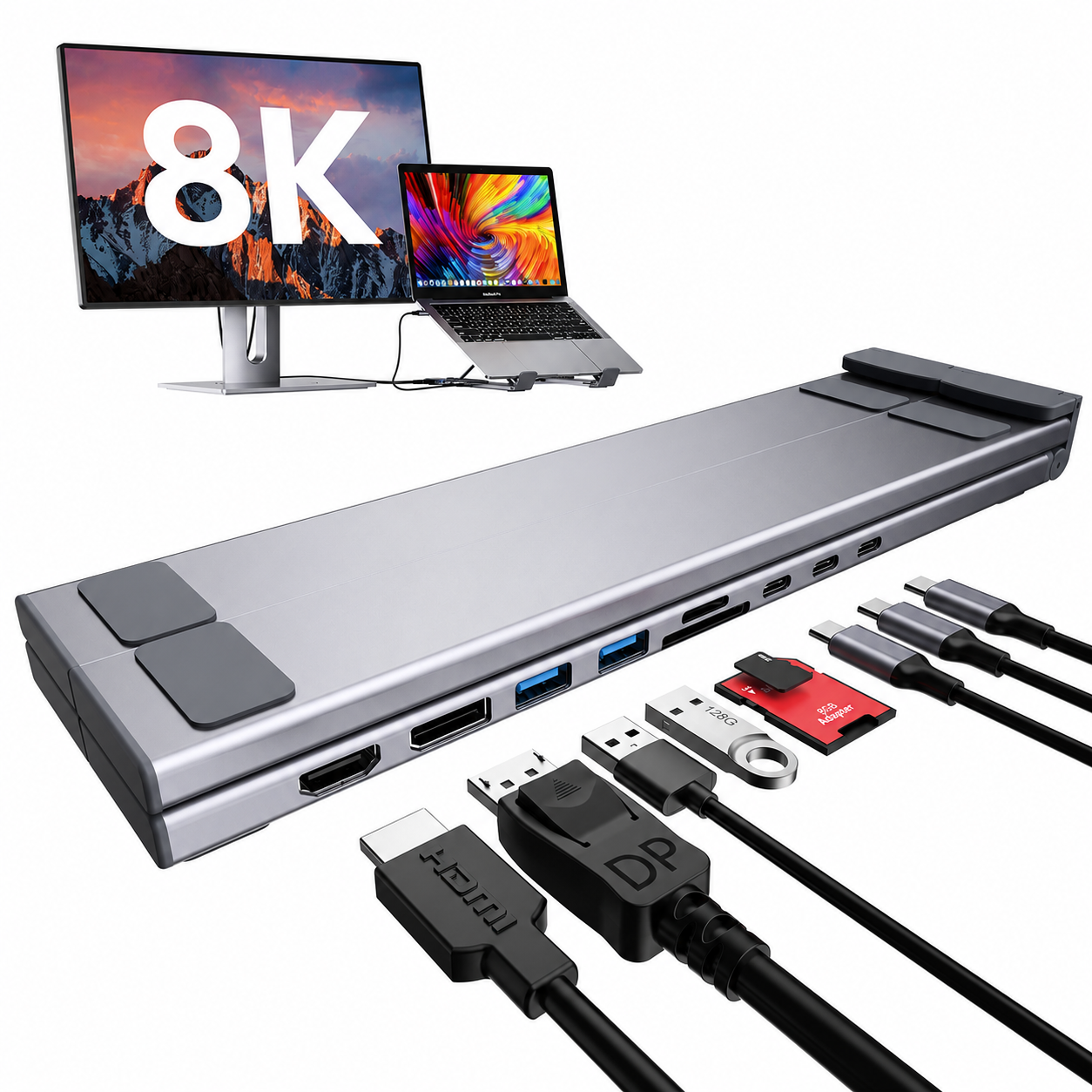
Video editors, colorists, architects, and 3D artists. For workflows where pixel count is non-negotiable — 8K@30Hz or dual 4K@60Hz.

Triple Display

The multi-screen operator

Traders, developers, and video producers who run three external screens. The only M model that drives three 4K@60Hz outputs simultaneously.

Essential

The essential setup

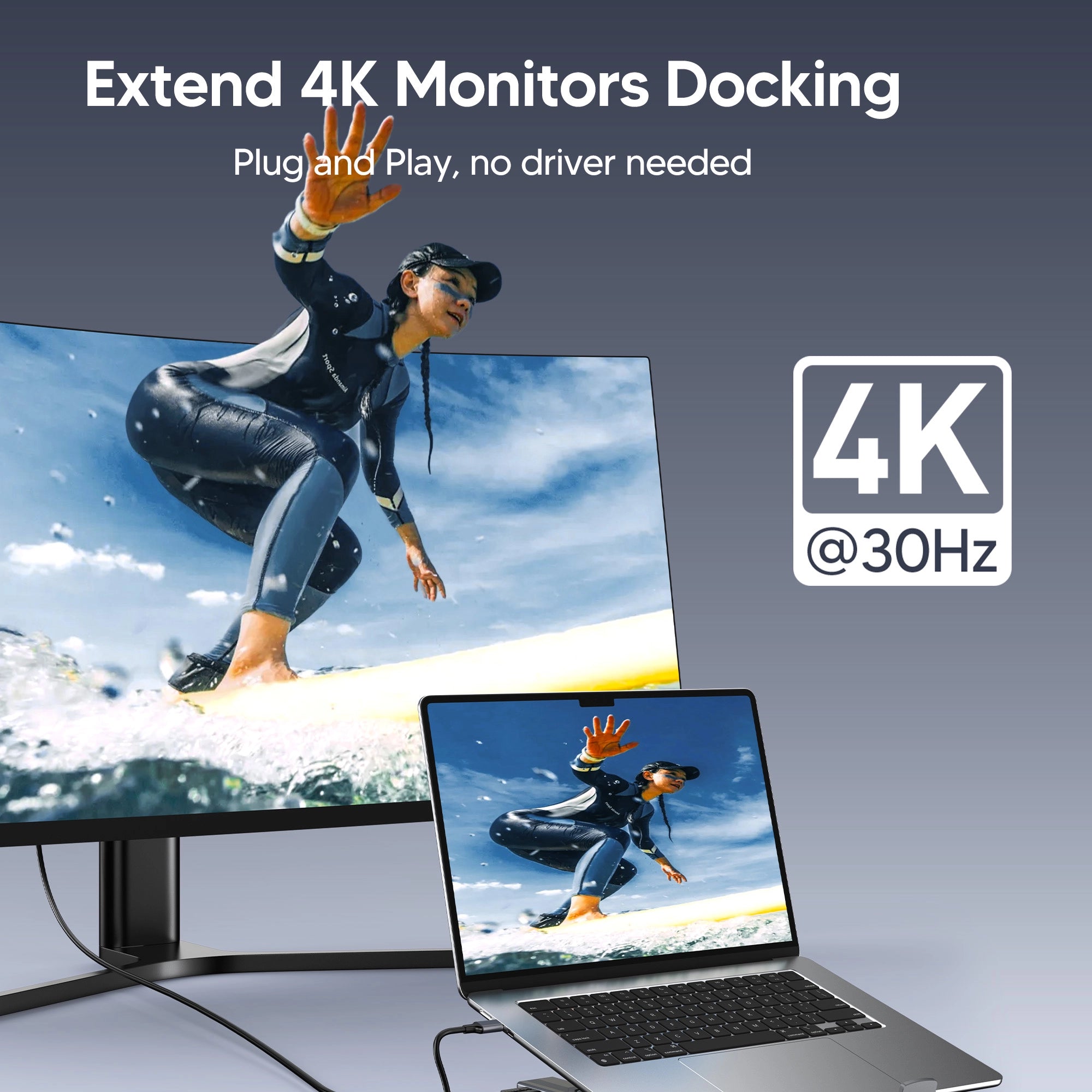
For users who need a simple, reliable single-display workspace. One HDMI output with up to 4K@30Hz for everyday productivity.

Creator

The audio-first creator

Content creators, podcasters, and remote workers who plug in a condenser mic or studio headphones. The only M model with audio I/O.

Dual Monitor

The daily commuter

Hybrid workers and business travelers who need two external monitors. Best all-round pick — nothing wasted, nothing missing.

8K

The resolution professional

Video editors, colorists, architects, and 3D artists. For workflows where pixel count is non-negotiable — 8K@30Hz or dual 4K@60Hz.

Triple Display

The multi-screen operator

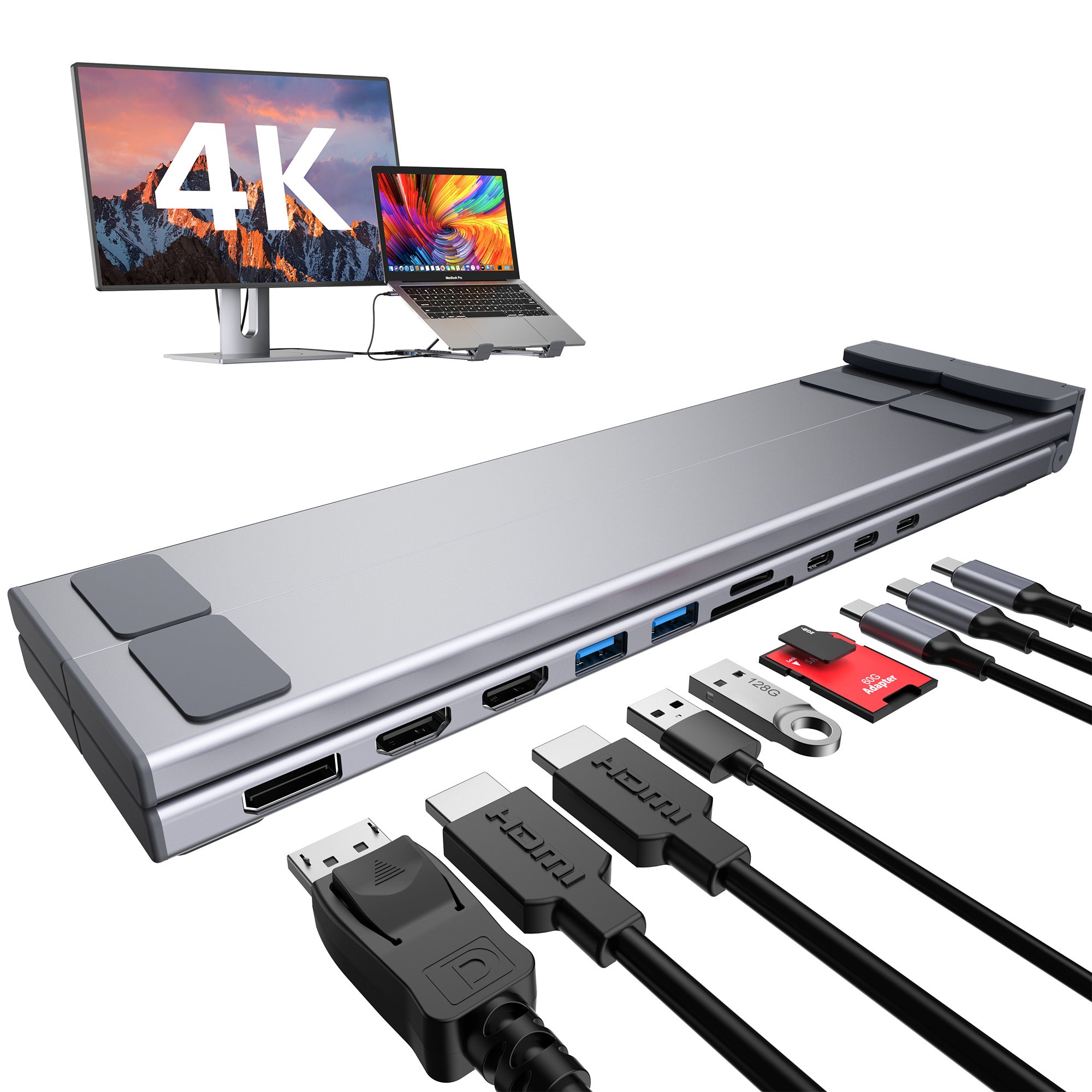
Traders, developers, and video producers who run three external screens. The only M model that drives three 4K@60Hz outputs simultaneously.

Essential

The essential setup

For users who need a simple, reliable single-display workspace. One HDMI output with up to 4K@30Hz for everyday productivity.

Featured by Creators

See what tech reviewers and productivity experts are saying

See It in Action

Quick demos from creators who use Mukiya daily

Real Setups, Real Results

See how our community transforms their workspaces

FAQs

What does the Essential 8-in-1 USB-C dock connect?

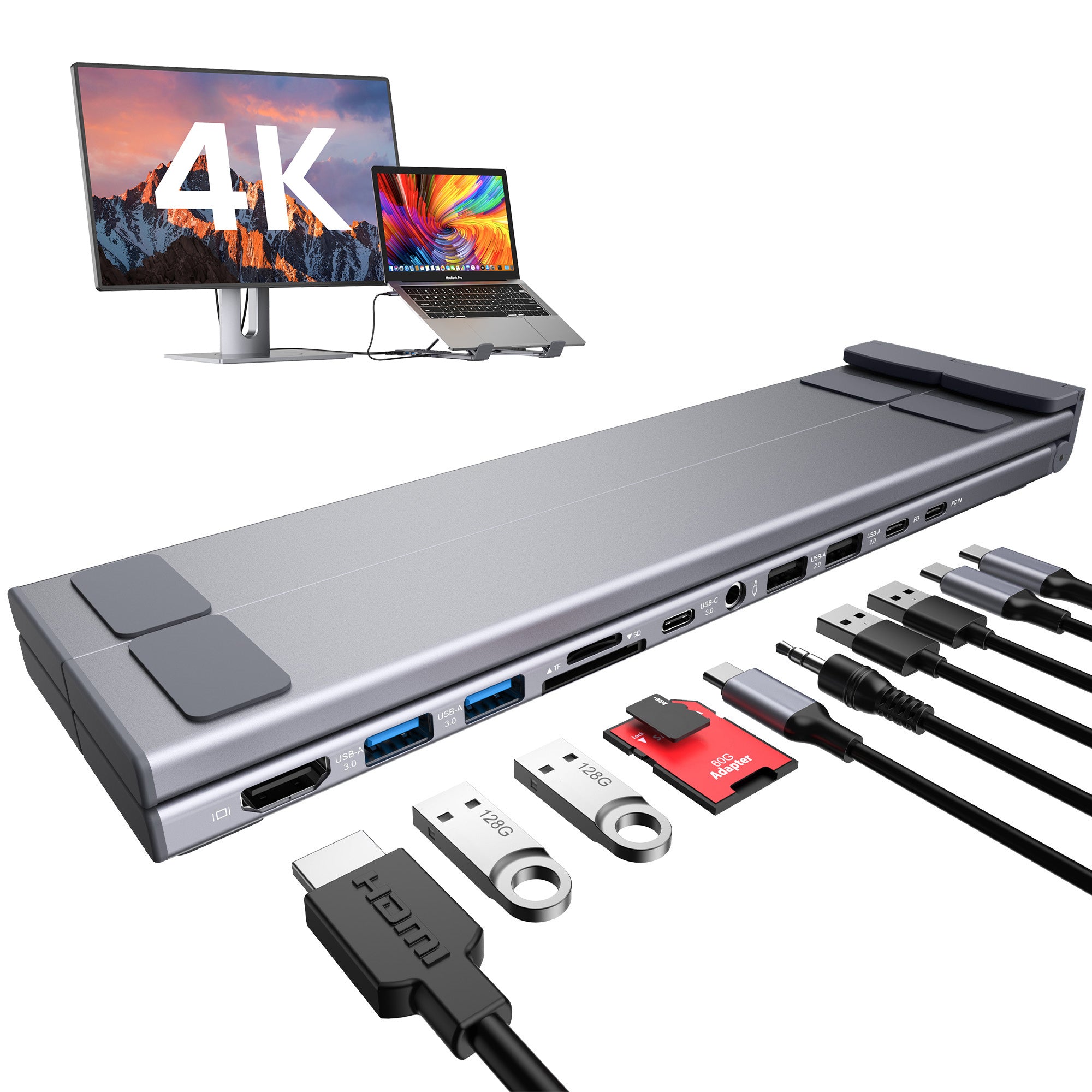
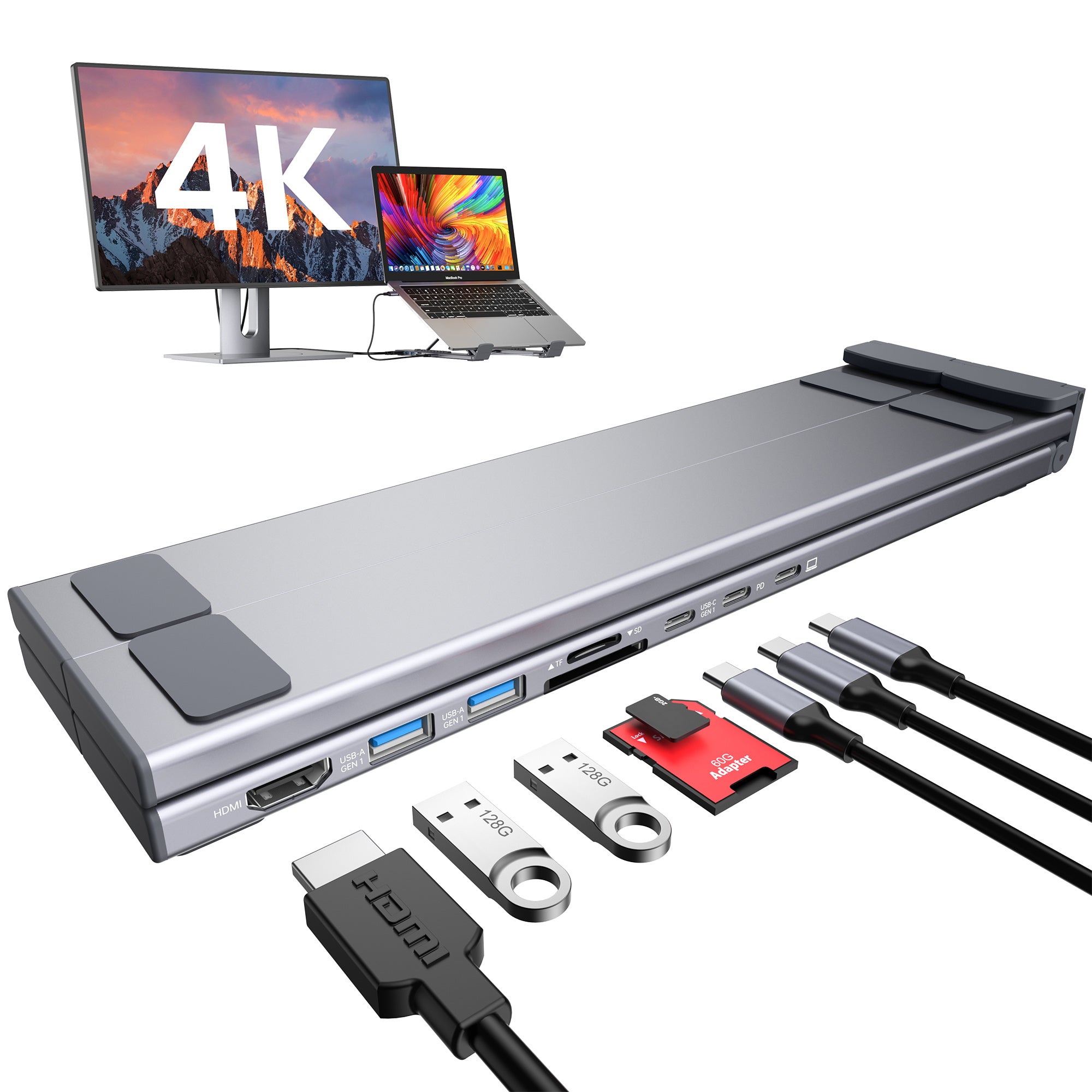
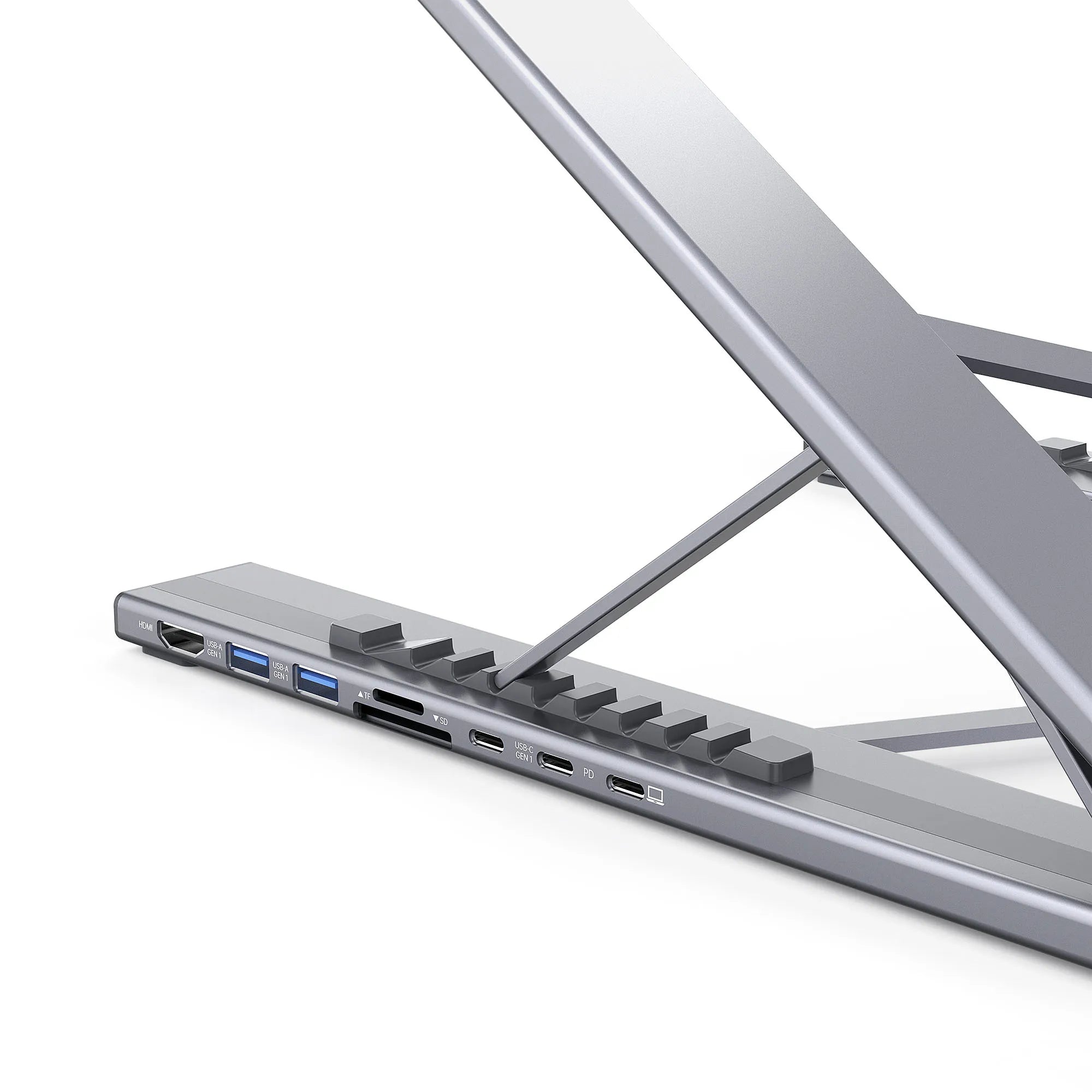
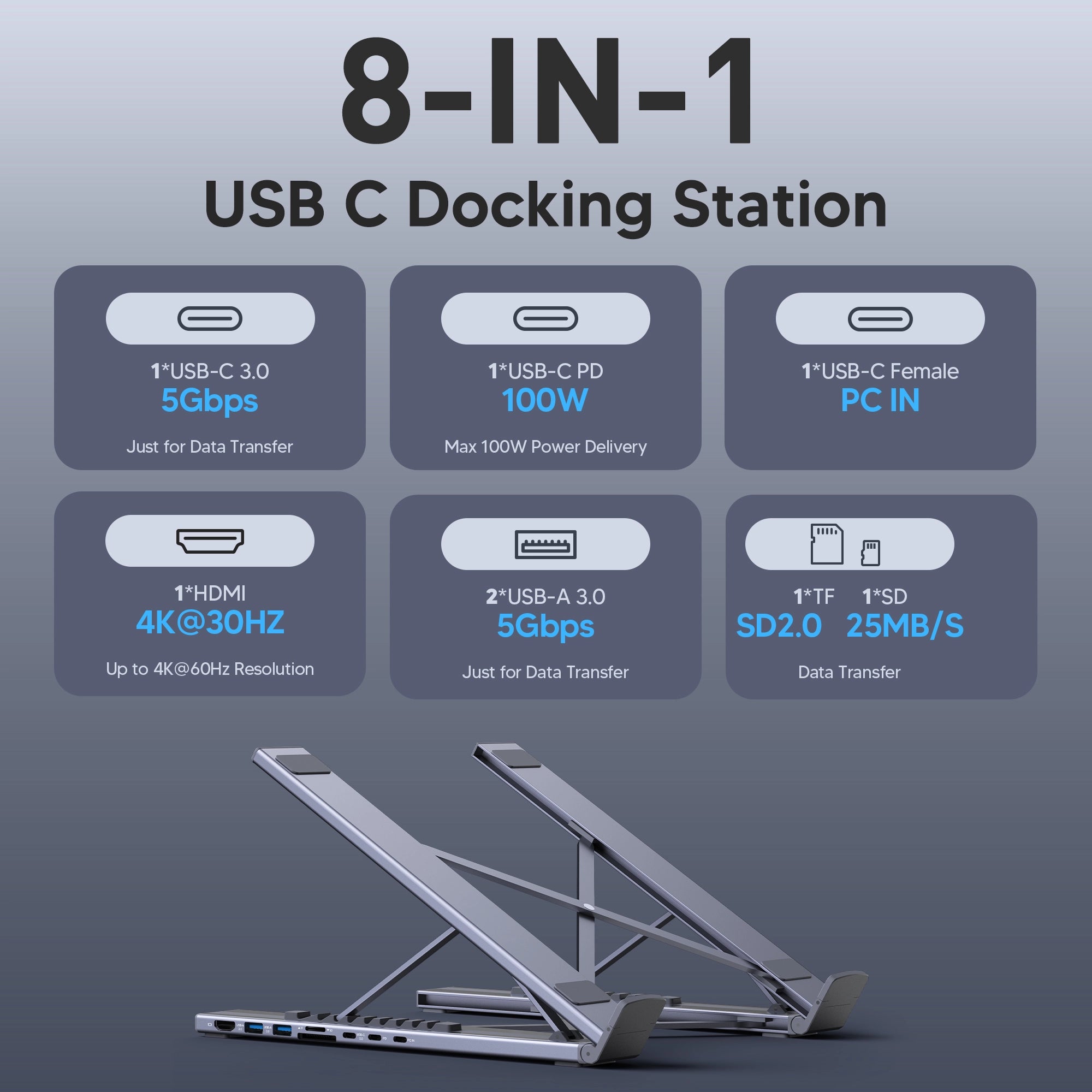
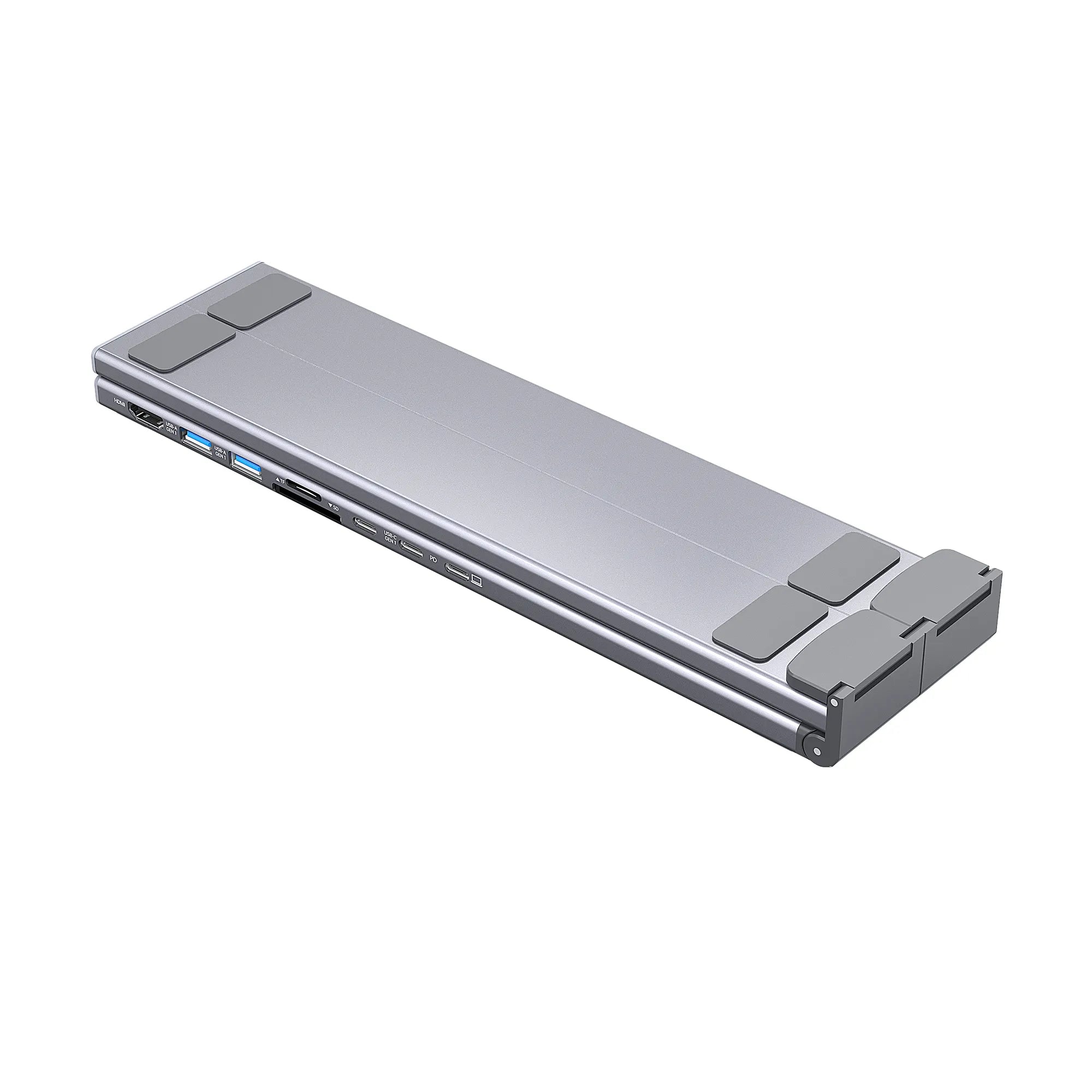
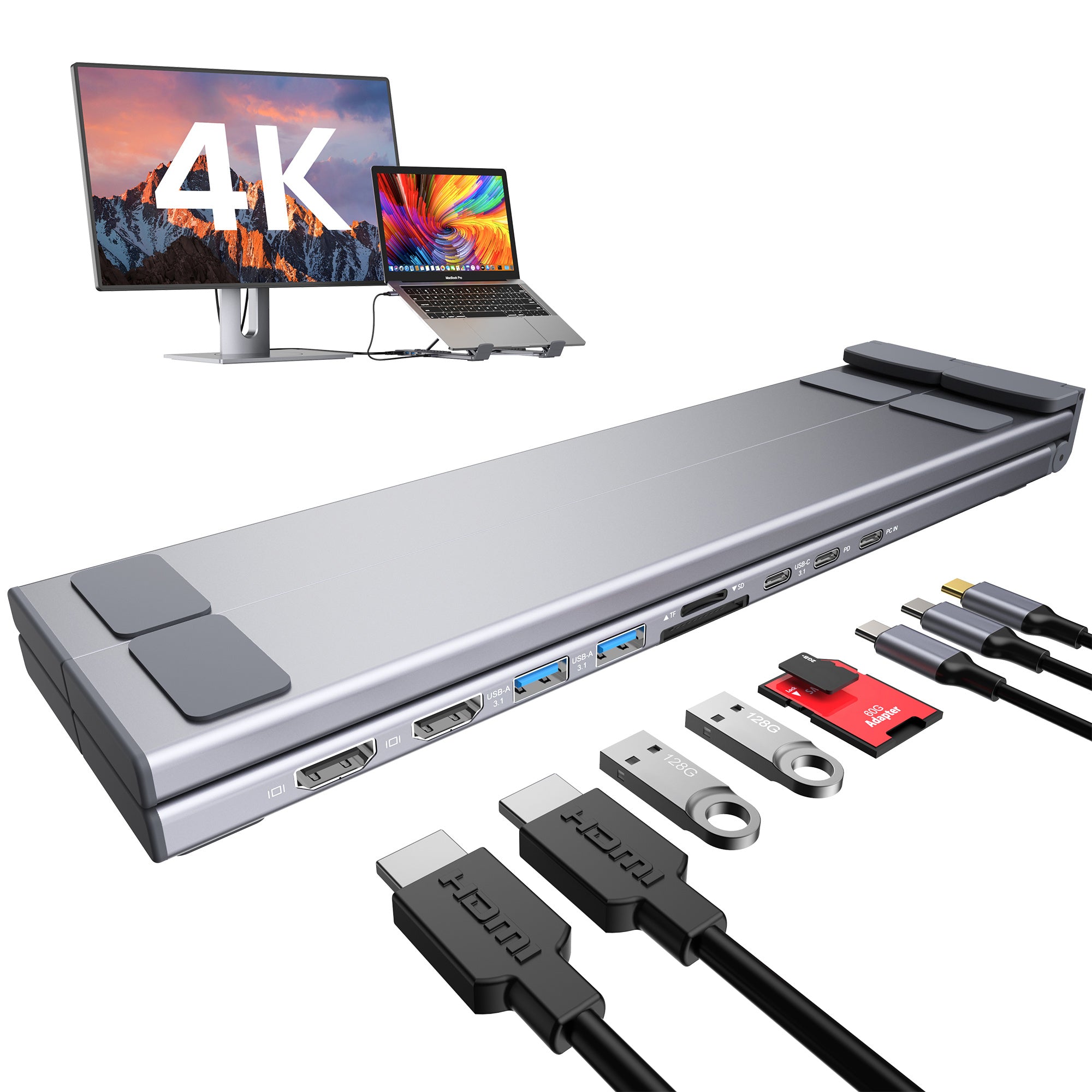
It offers a 4K@30Hz HDMI output, two USB-A 3.0 ports (5Gbps), a USB-C data port, an SD card reader, a microSD reader, and USB-C Power Delivery, the everyday ports most people need, built into an adjustable laptop stand.

Is this a good entry-level USB-C docking station?

Yes. The Essential is the streamlined model in the Everyday Connectivity Series, giving you a single-monitor setup, card readers, and pass-through charging without paying for ports you will not use, a clean, affordable way to declutter your desk.

What resolution does the Essential dock support?

Its HDMI output drives a single external display at up to 4K@30Hz. If you need 4K at a smoother 60Hz or multiple monitors, step up to the Dual Monitor, Triple Display, or 8K Display models in the Advanced Display Series.

Does it charge my laptop through the dock?

Yes. Connect a USB-C Power Delivery charger to the dock PD input and it powers your laptop while running your monitor and accessories, so one USB-C cable to the laptop handles both charging and connectivity.

Does the Essential also raise my laptop like a stand?

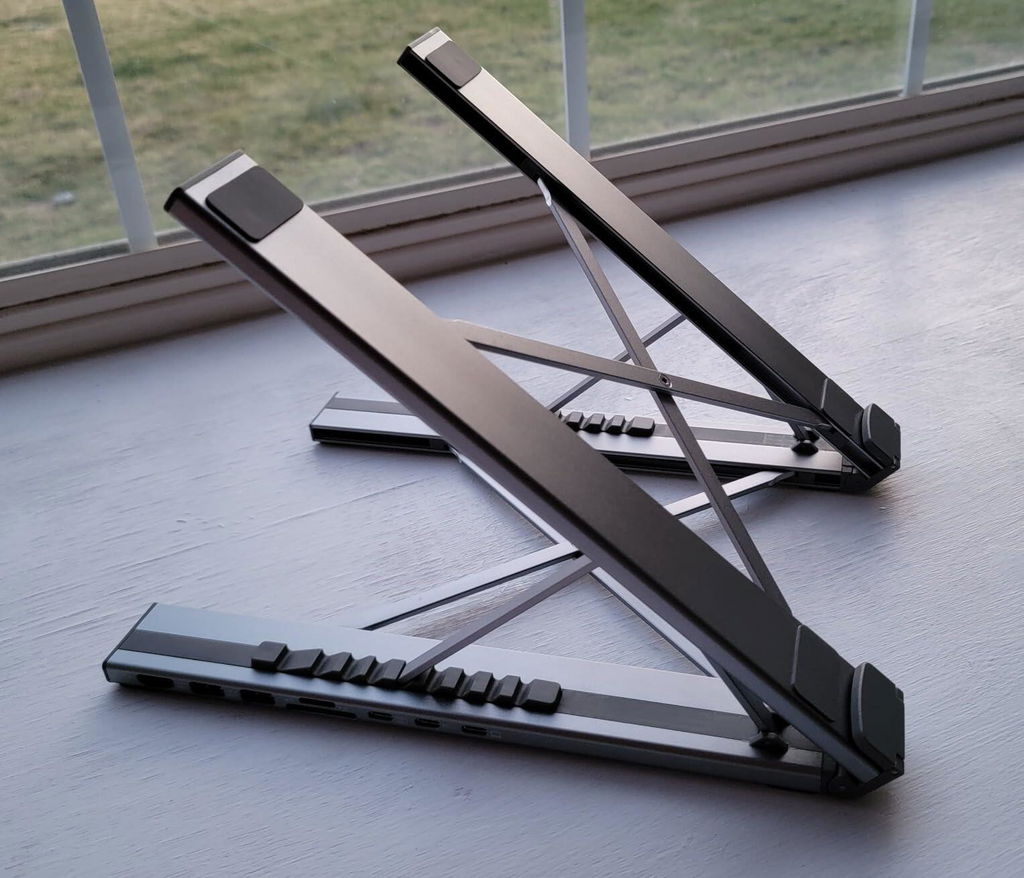
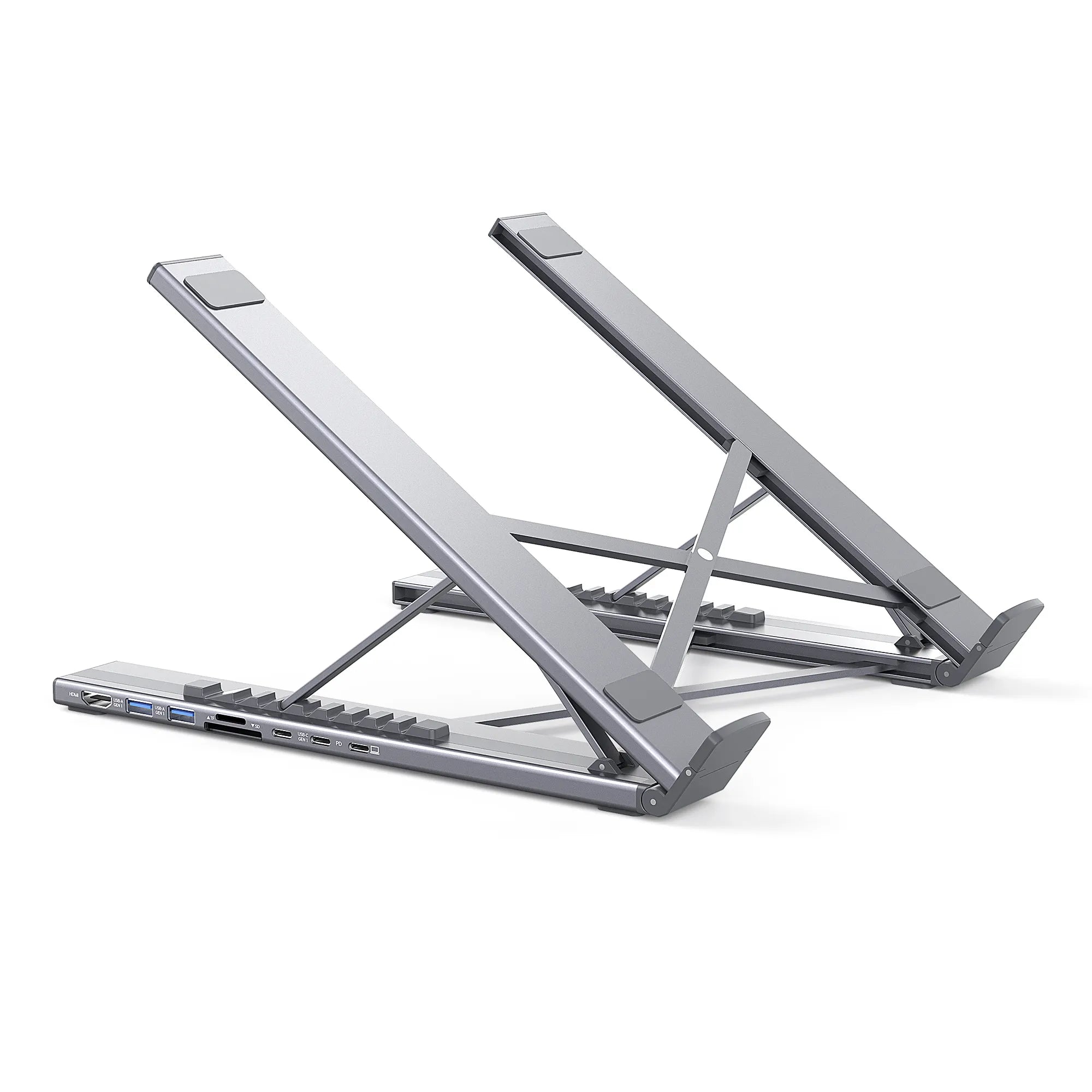
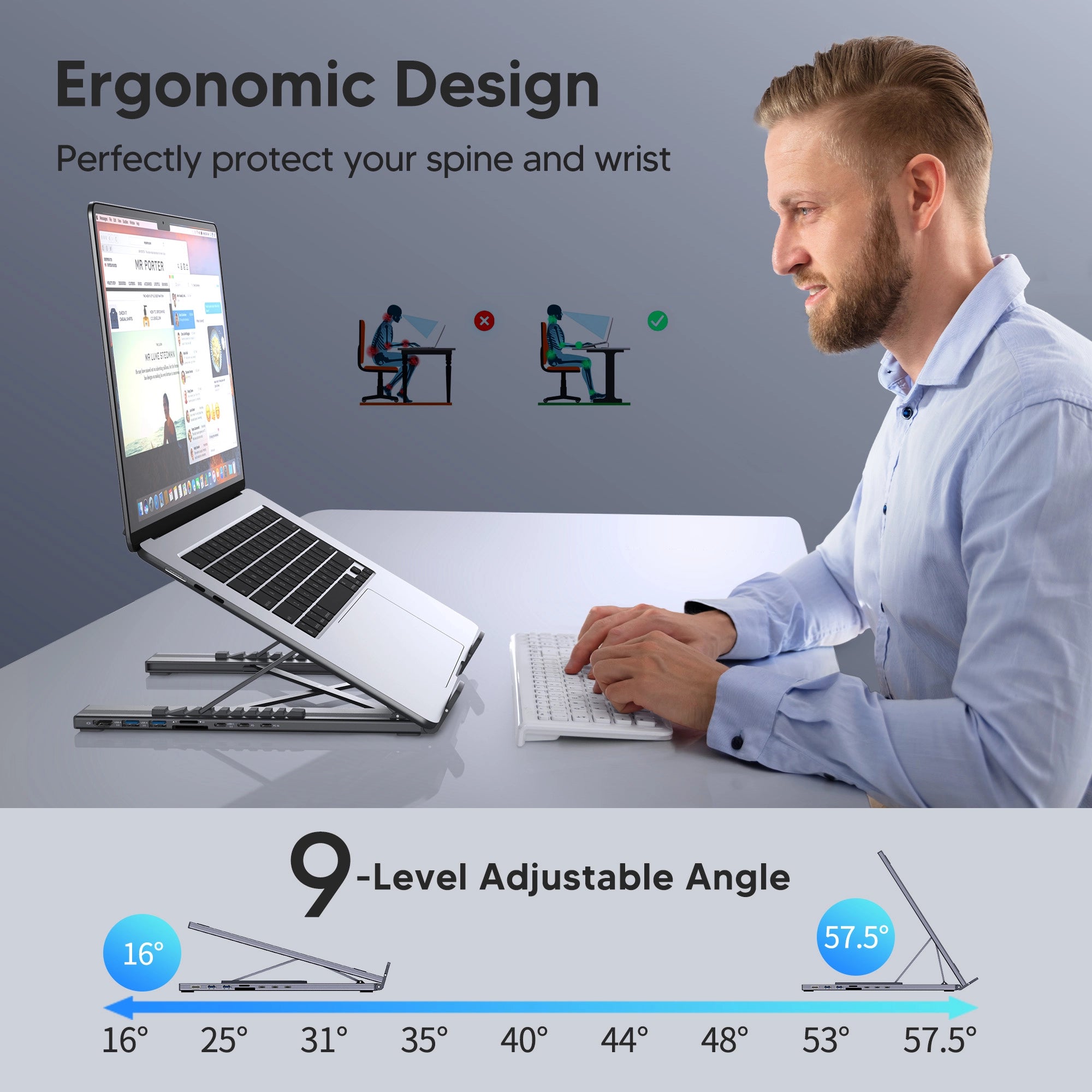
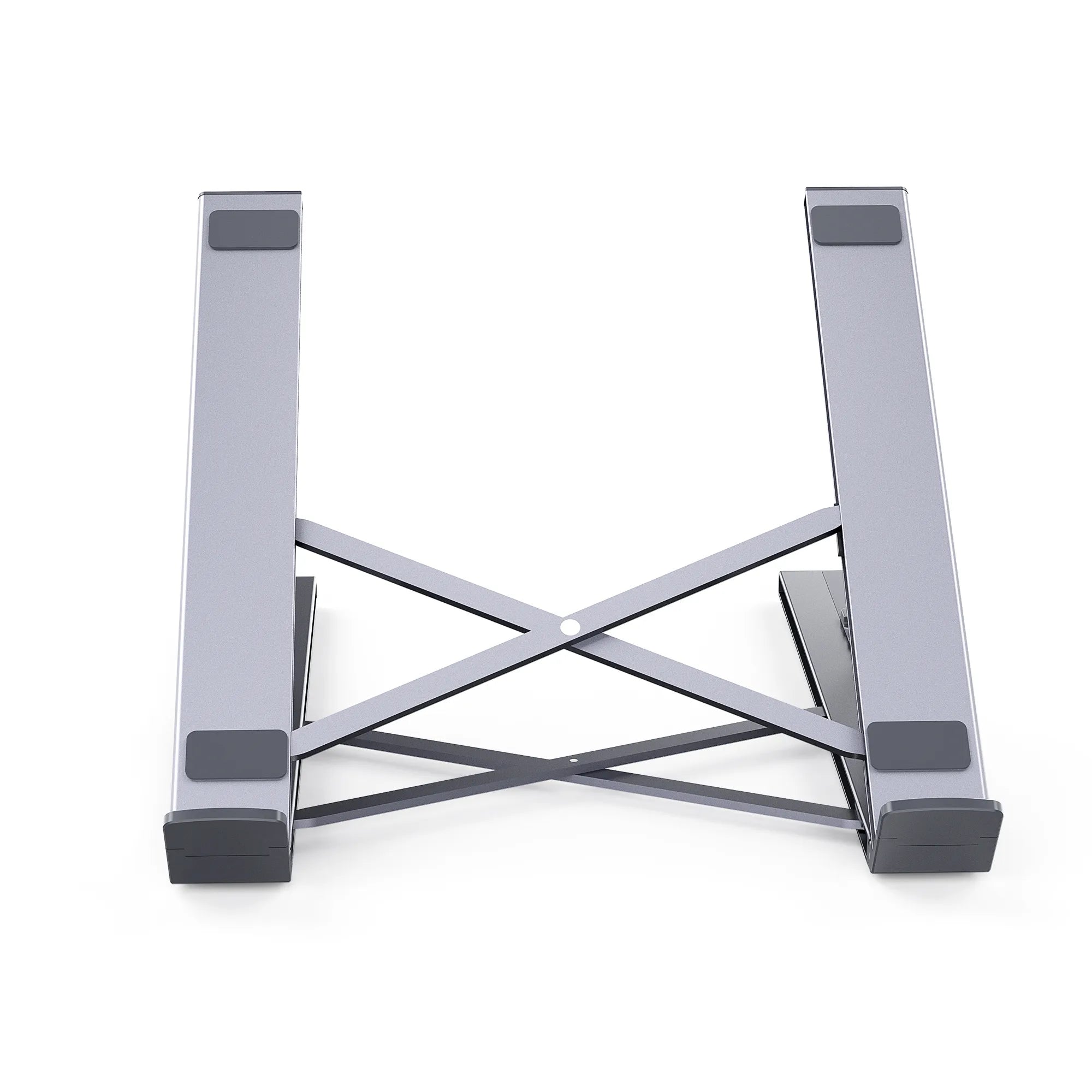
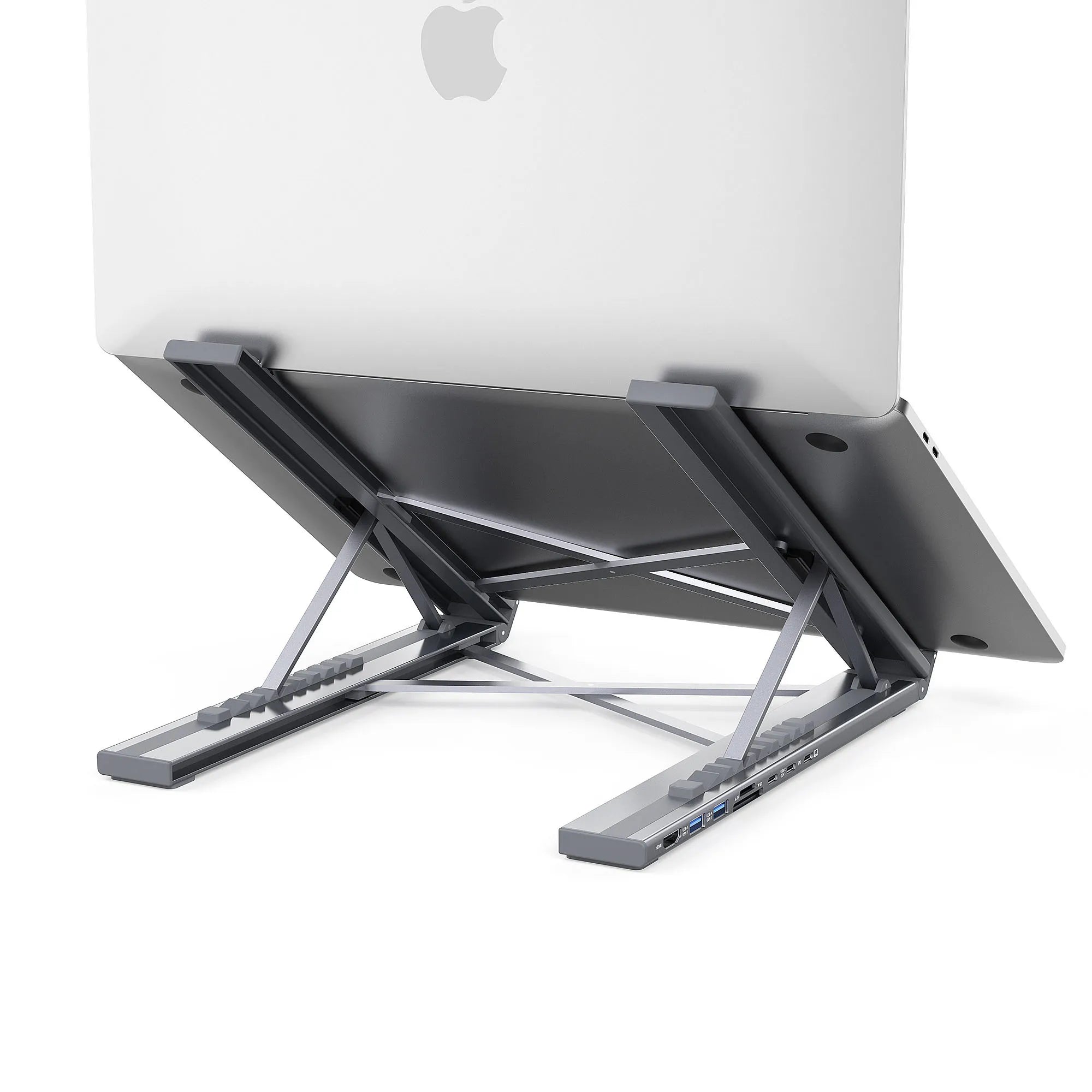
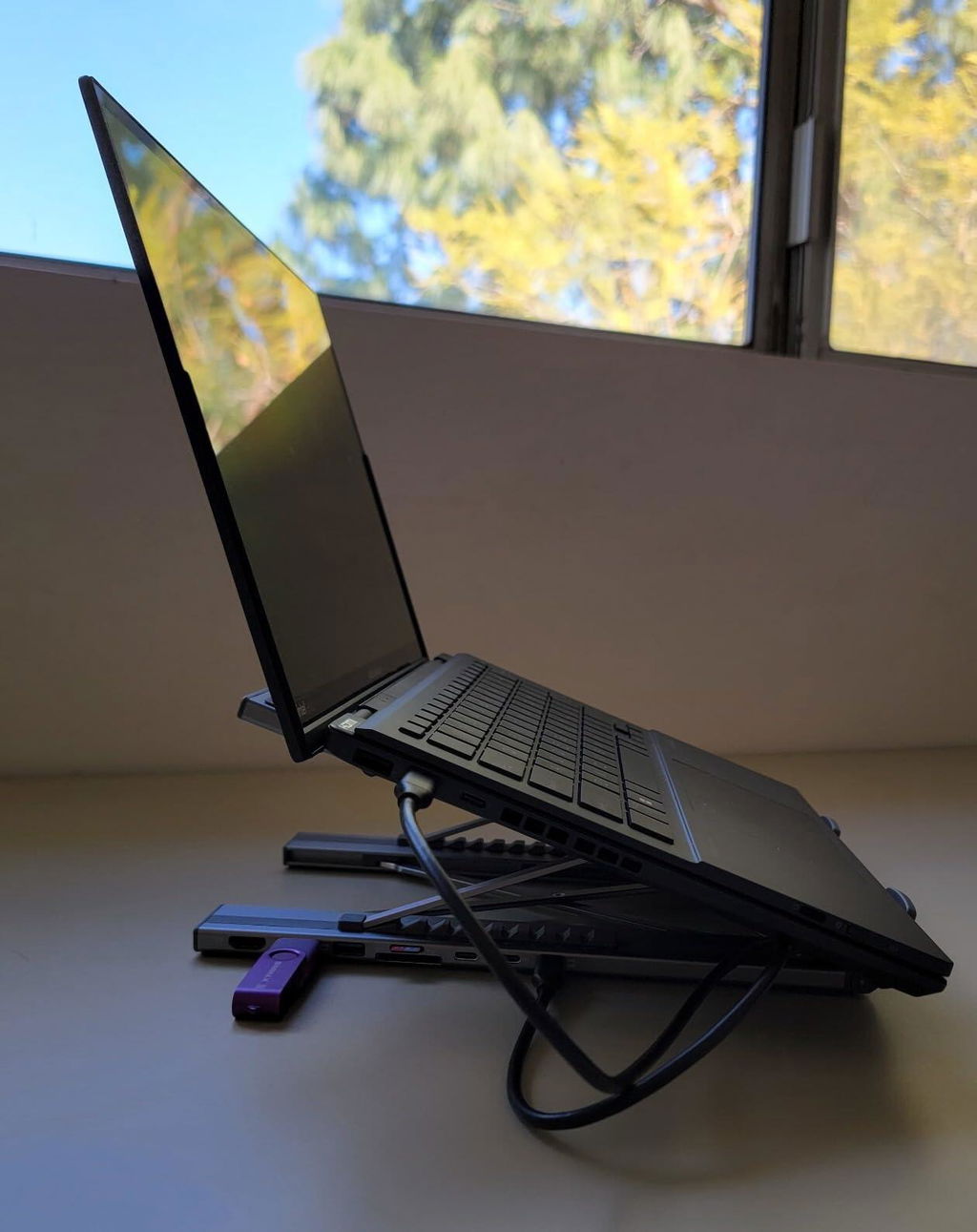
Yes. The dock is integrated into an adjustable aluminum laptop stand, lifting your screen toward eye level for better posture while a single cable expands your laptop into an 8-in-1 workstation.