
Simplifying your workspace and mindset
Mukiya Journal
We design products with one goal in mind: to remove distractions and create systems that enhance productivity. Our mission is simple: to build products that give you more focus, with less clutter.
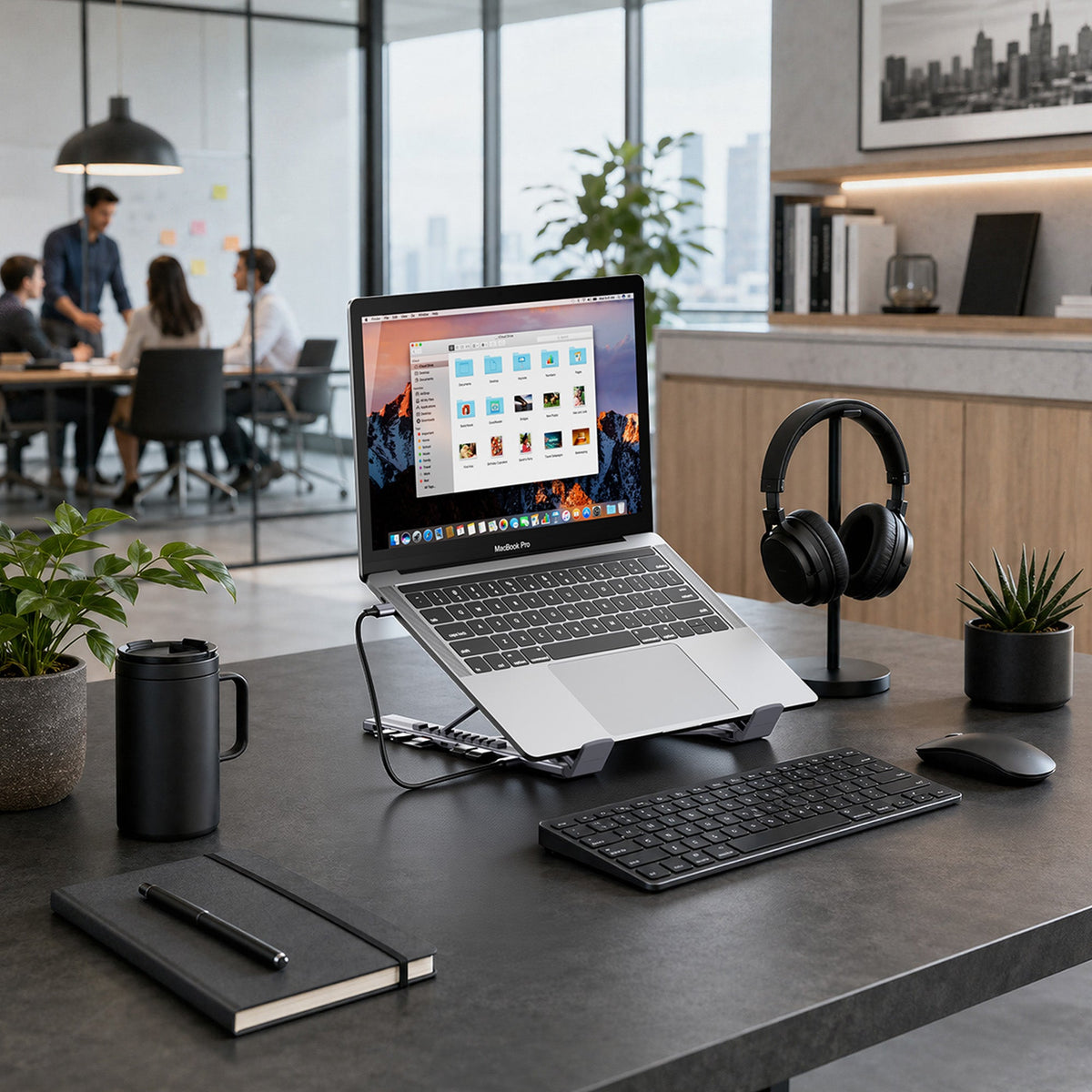
Best Laptop Docking Station Stand for a Clean Desk
A laptop docking station stand can lift your screen, connect your accessories, charge your laptop, and reduce desk clutter in one setup. This guide helps laptop users build a cleaner workspace with fewer loose adapters and more room for focused work.
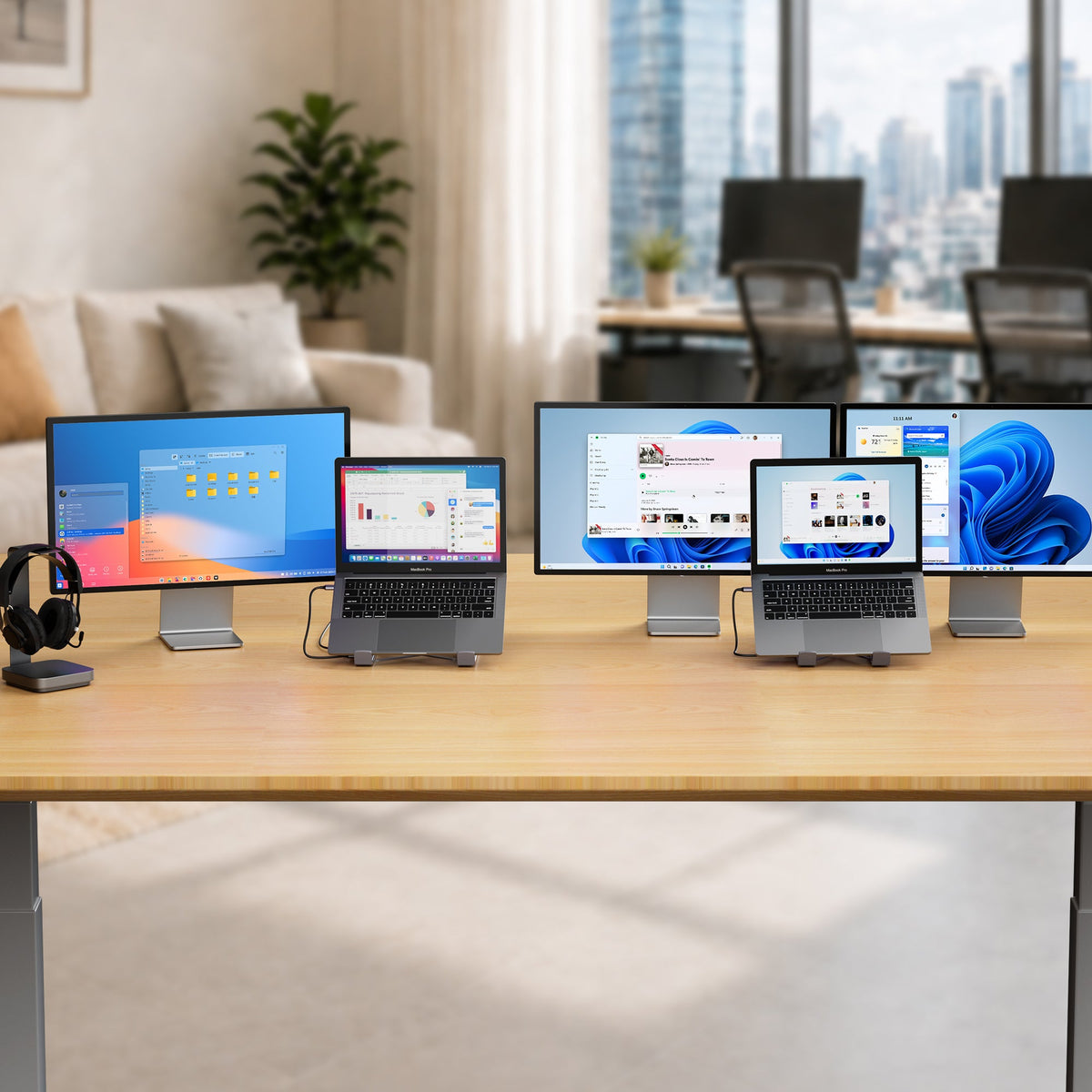
USB-C Docking Station Buying Guide: Ports, Power, and Displays
Choosing a USB-C docking station starts with ports, power, displays, and laptop compatibility. This buying guide explains how to choose a dock or USB-C dock stand that reduces cable clutter and helps make space for what matters.
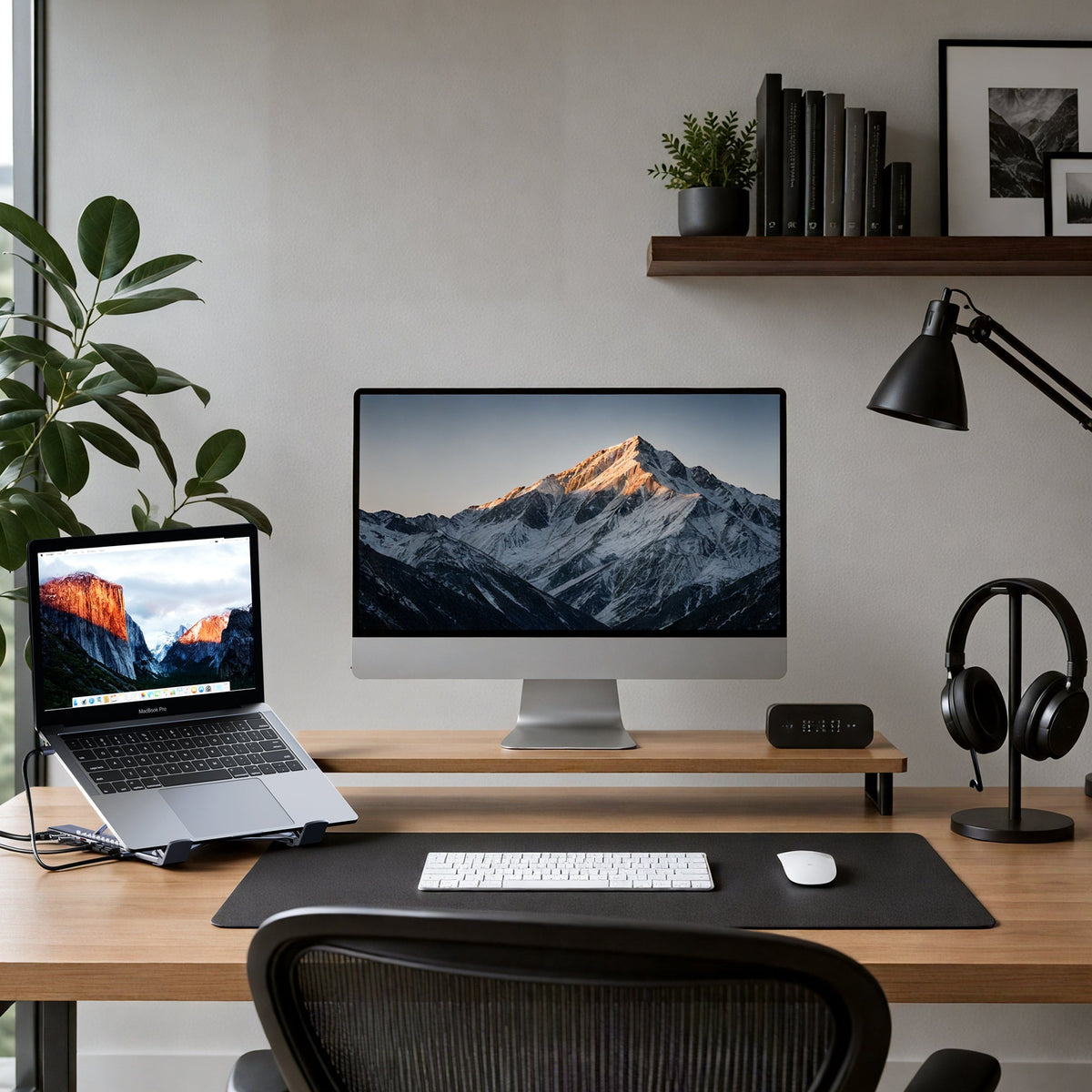
How to Build a One-Cable Desk Setup
A one-cable desk setup connects your laptop to your monitor, charger, keyboard, mouse, and accessories through one USB-C dock. This guide shows how to build a cleaner workspace with fewer cables and less daily setup friction.
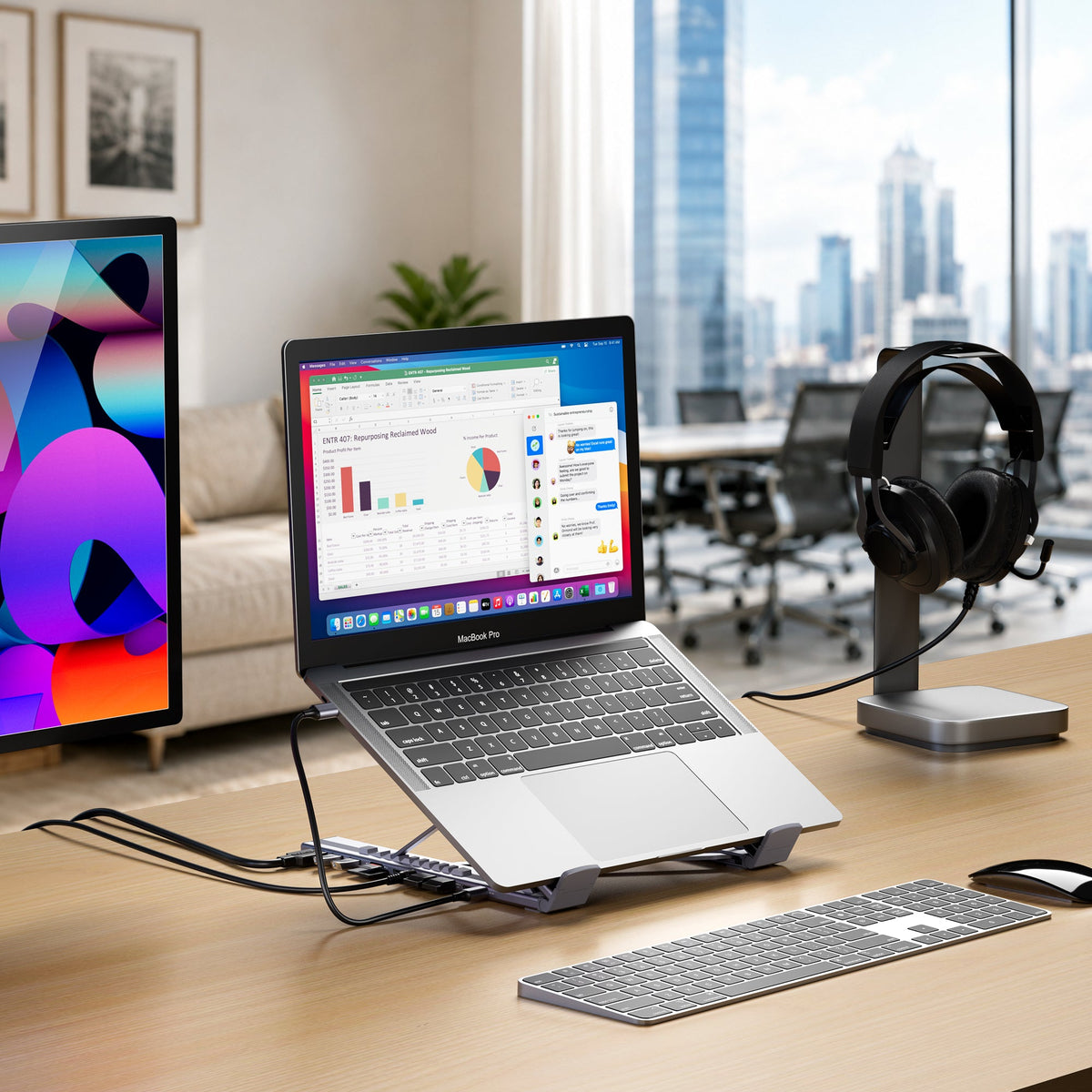
Best Docking Station for Hybrid Work Setups
Hybrid work needs a setup that is easy to repeat. This guide explains how to choose a USB-C docking station for monitors, laptop charging, accessories, cable control, and a cleaner one-cable workflow between home, office, and travel.
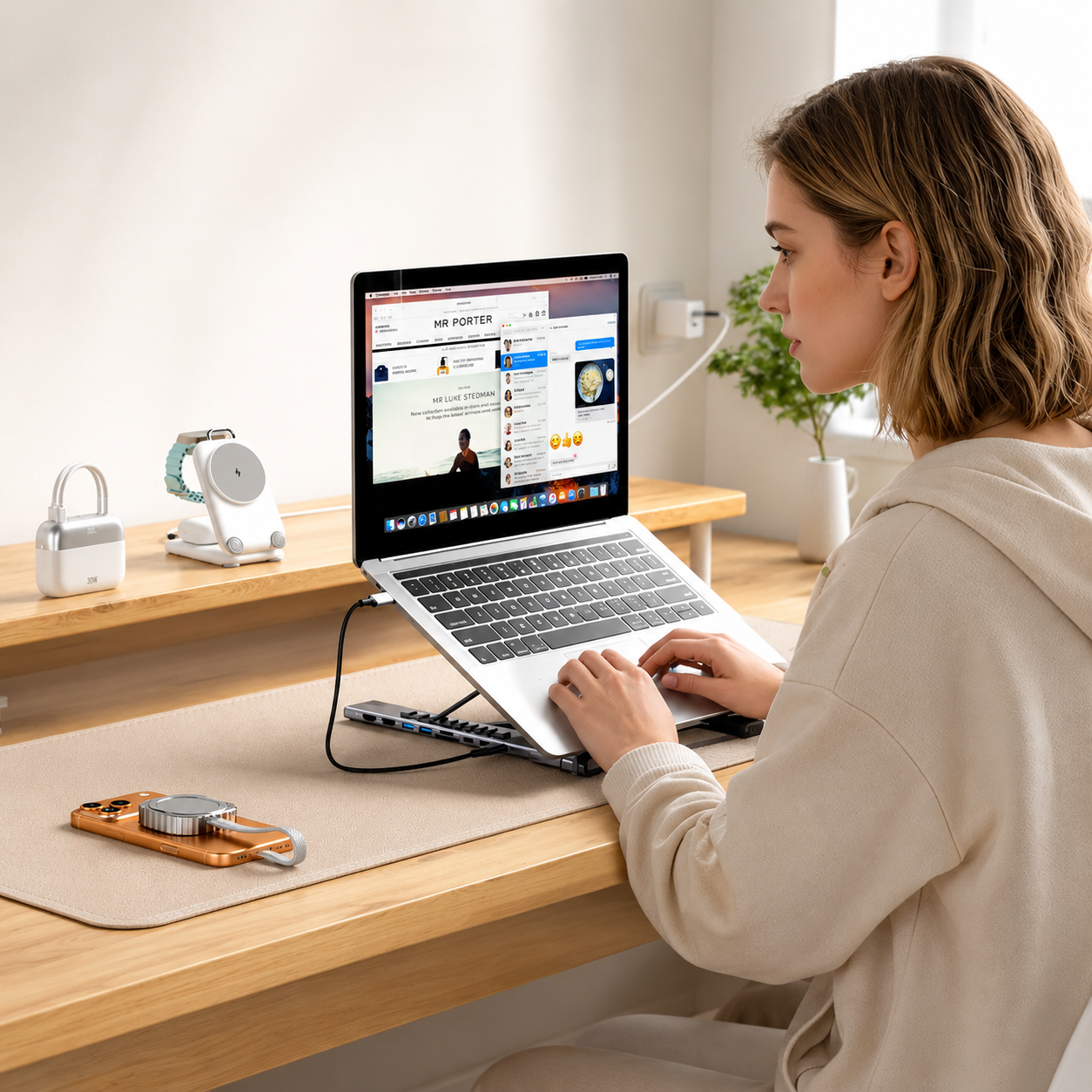
8-in-1, 9-in-1, or 10-in-1 Dock: Which One Do You Need?
Not every USB-C dock needs the highest port count. This guide compares 8-in-1, 9-in-1, and 10-in-1 dock options so you can choose the right setup for everyday work, dual monitors, multi-display workflows, and a cleaner desk.
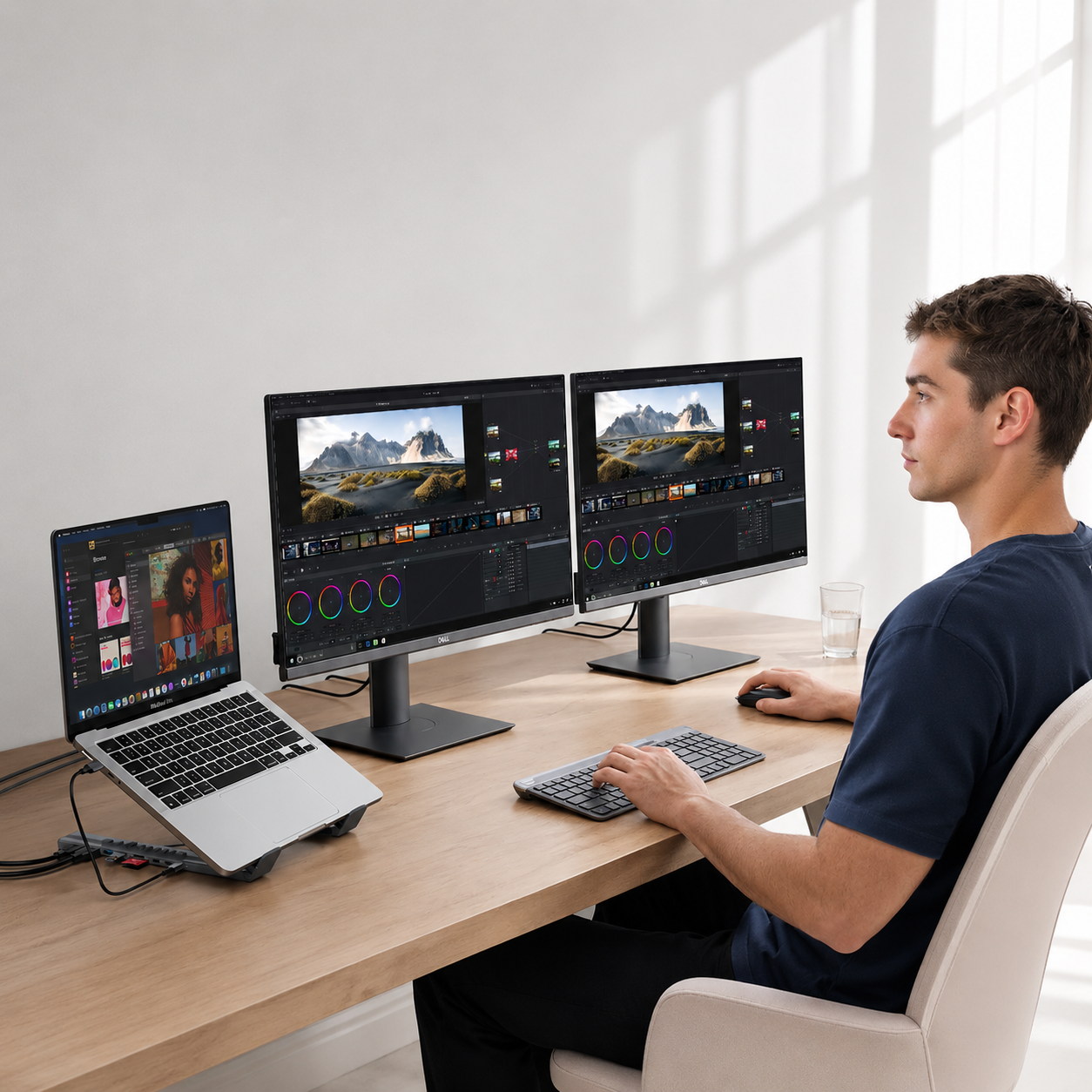
How to Choose a USB-C Docking Station for Dual Monitors
Choosing a USB-C docking station for dual monitors starts with laptop compatibility, display support, HDMI or DisplayPort needs, resolution, refresh rate, and charging power. This guide explains what to check before building a cleaner dual-screen laptop setup.
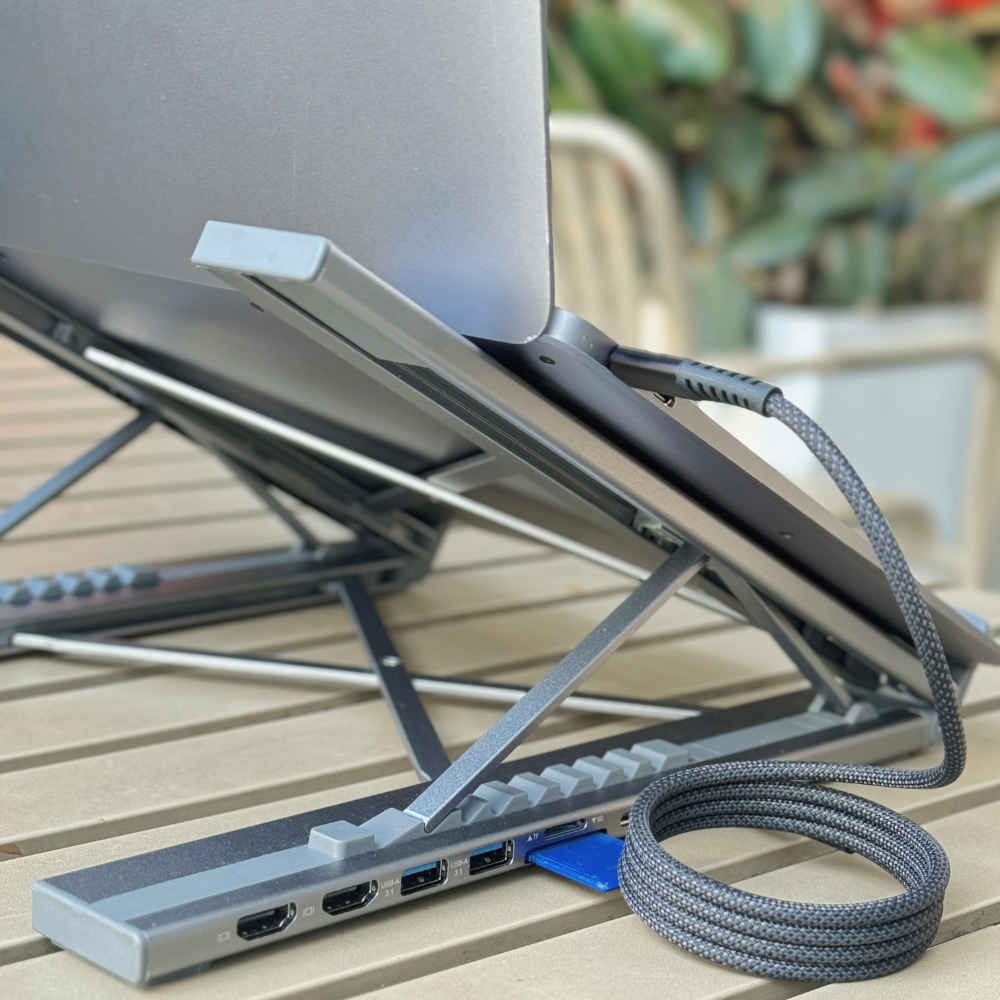
Best USB-C Docking Station for MacBook and Windows Laptops
Find the best USB-C docking station for MacBook and Windows laptops. This guide explains how to choose the right dock for displays, charging, ports, laptop compatibility, and a cleaner one-cable desk setup.

Laptop Docking Station vs USB-C Hub: What's the Difference?
Not sure whether you need a USB-C hub or a laptop docking station? This guide compares the two, explains when each makes sense, and shows why a USB-C dock stand can be the better choice for a clean, ergonomic workspace.
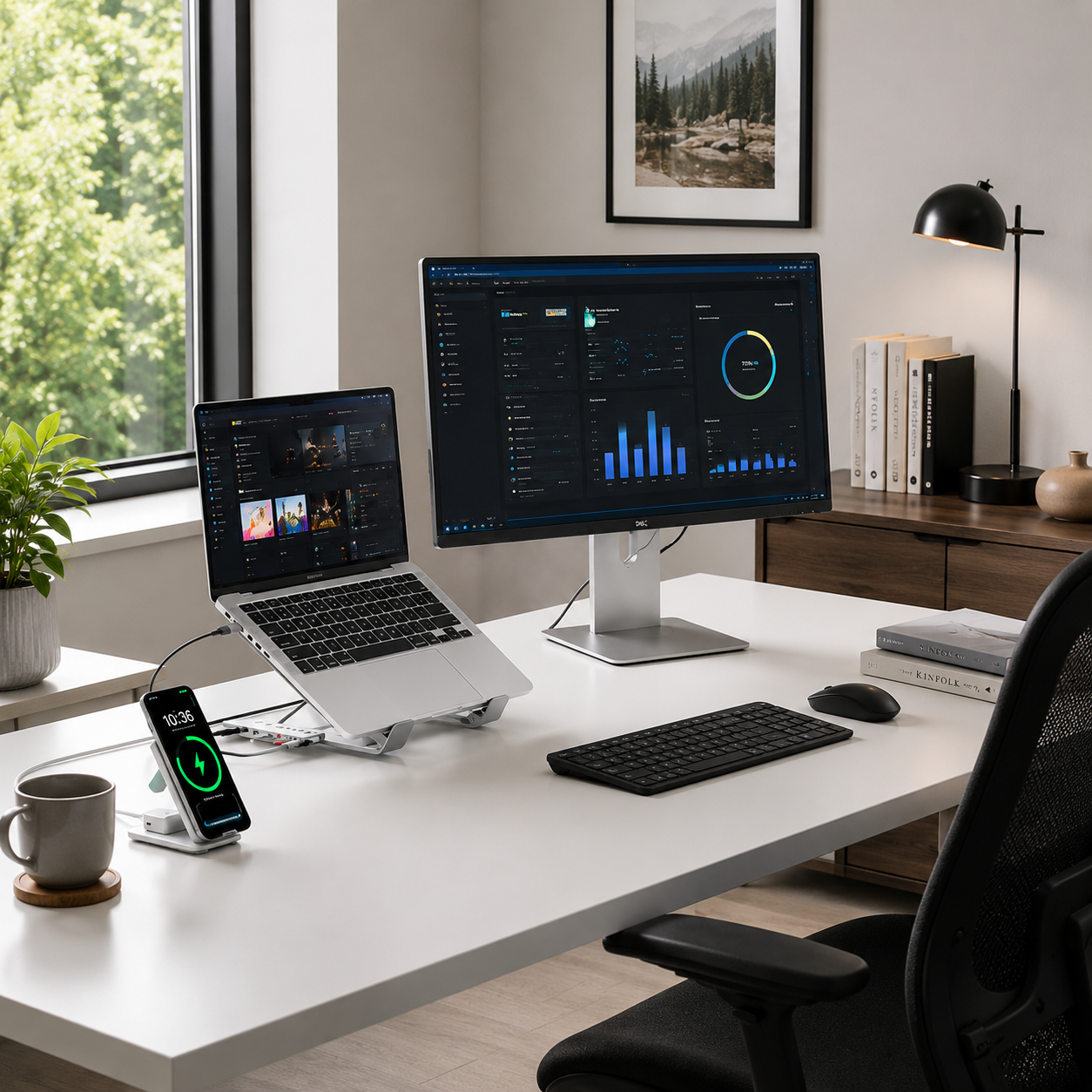
Why Remote Workers Work More — And Feel Like They've Done Less